Your ideas.
Made to wear.
A little different. A lot more you.
Custom apparel, gift cards & DTF transfers.
Start something good.
Blank Apparel
Ready for your next project.
DTF gang sheets
Your designs. One sheet.
Custom apparel quotes
Tell us about your project.
Gift cards
Give them the freedom to choose.
Anything but ordinary.
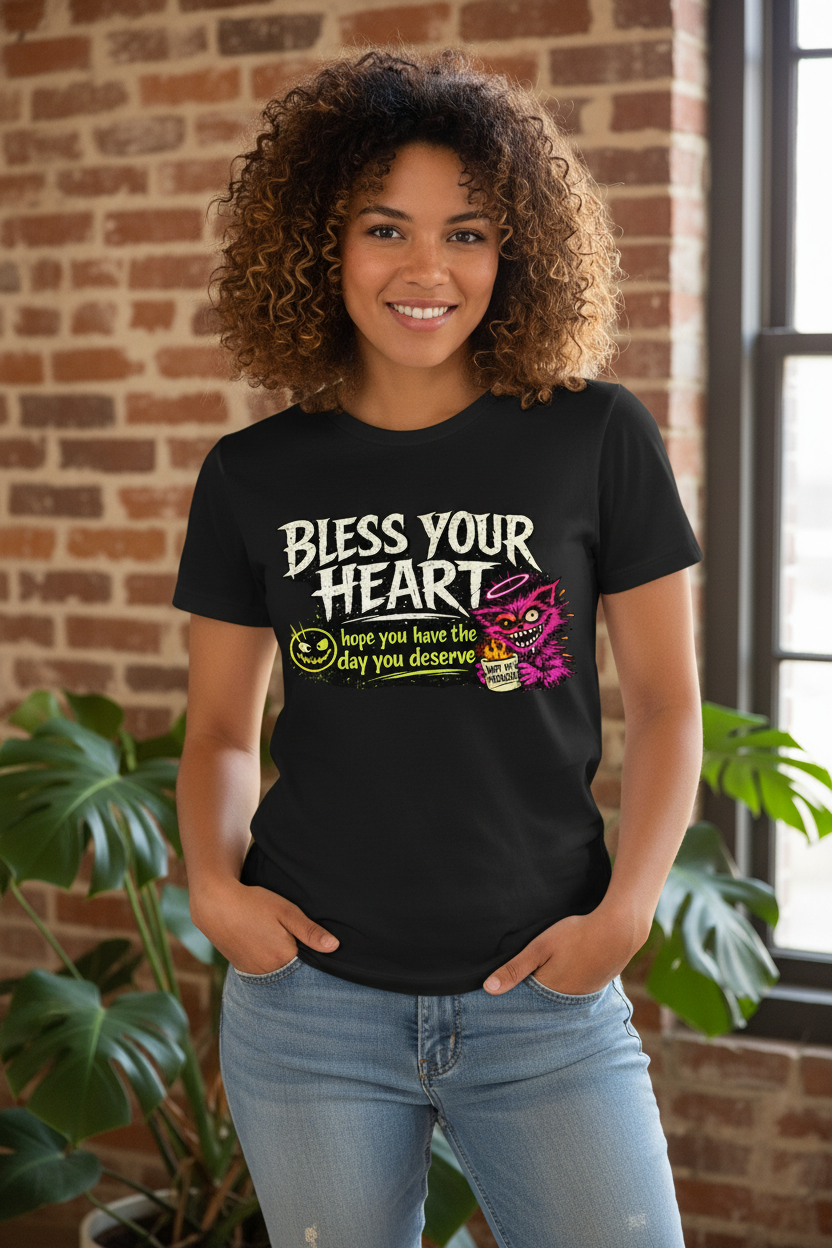
Big ideas. Local people.
Come see us in Cave Springs, or start your next project right here.
Visit & contact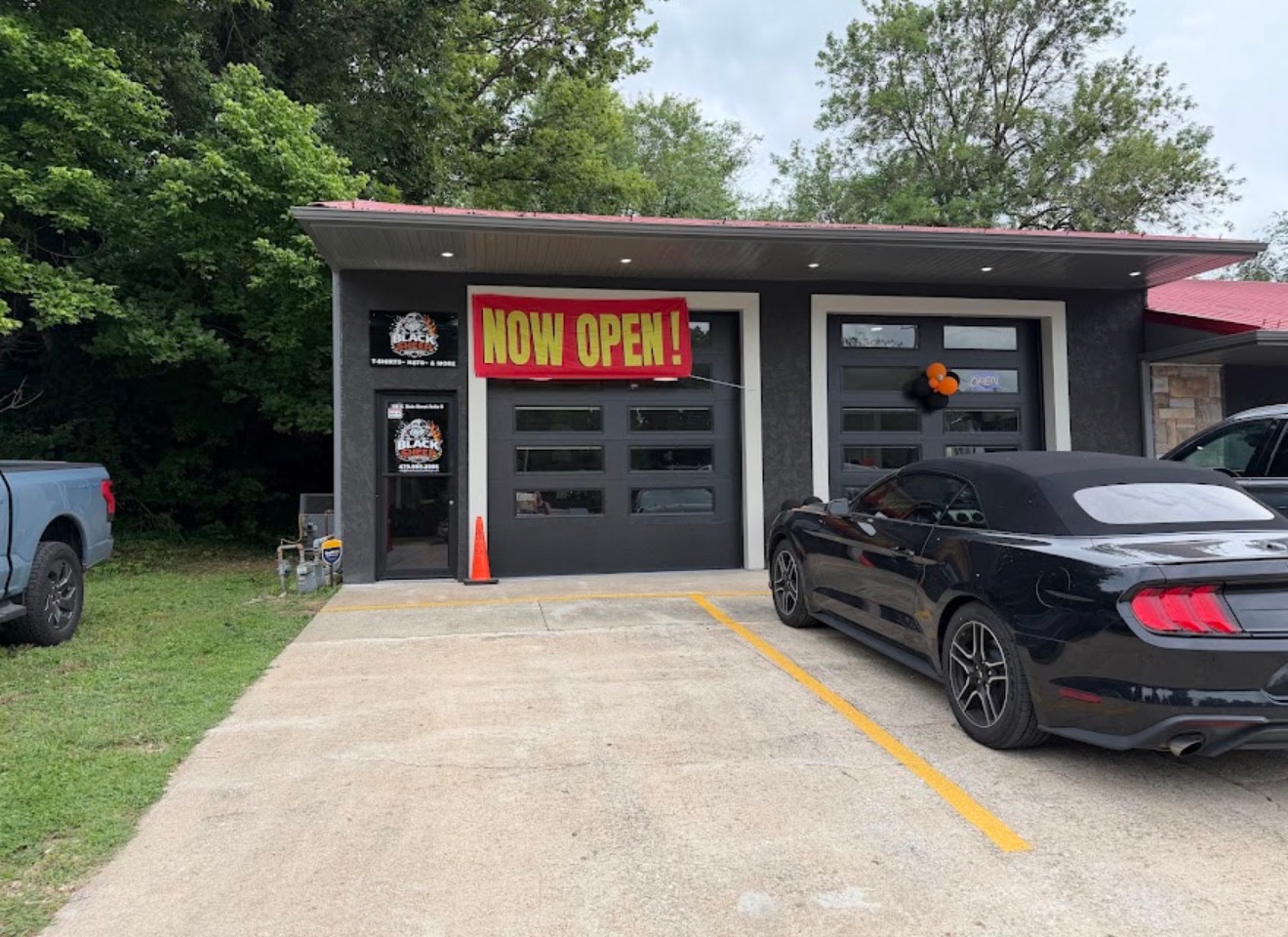
Find your kind
of different.
Browse a collection, then choose your design and options in our online store.
No matches yet. Try “shirts,” “gift cards,” or “DTF.”
Each option opens the live Black Sheep store. Current prices, available options and checkout are shown there.
Built around
your idea.
Choose what you’re making. We’ll take you to the right place to get started.
DTF gang sheets
Put your artwork together on one transfer sheet. Build online or upload a print-ready file.
Get started YOUR ART, YOUR APPARELCustom apparel quotes
Tell us about your design, quantity and deadline. We’ll help plan your custom apparel order.
Request a quote A GIFT MADE PERSONALGift cards
Let them choose their next favorite. Explore our digital gift cards.
Shop gift cards BUSINESSES, TEAMS & GROUPSHave a bigger idea?
Tell us the quantity, artwork, deadline and pickup or shipping preference for your project.
Request a quoteOne sheet.
More possibility.
Combine designs on a DTF transfer sheet, then apply the transfers to your garments.
Opens the existing Black Sheep store. Choose your size and review the price there before ordering.
A good print starts
with a good file.
- Use original, high-resolution artwork at the size you want it printed.
- A transparent PNG around 300 DPI is preferred. Skip screenshots and blurry images.
- Remove unwanted backgrounds and double-check spelling, dimensions and white details.
- Only upload artwork you own or have permission to reproduce.
Printing & custom-order notes
Screen colors may differ from printed colors. Custom sales are final, with exceptions considered for verified production defects. Read the full artwork requirements and custom-order policy on the product page before uploading.
The builder handles artwork, layout, pricing and checkout. This app does not upload or save your files.
Your next favorite
starts here.
Your store account
Sign in securely through Black Sheep’s Shopify store to access your customer account.
Open store accountYou’ll sign in on the store, not in this app. No account details or order history are stored here.
Let’s make
it happen.
Have a question, a deadline, or an idea that needs a little help? Talk to the shop.
479-995-2996
Cave Springs, Arkansas
180 N Main St, Suite B
Cave Springs, AR 72718
Wednesday–Sunday · 11am–7pm
Monday & Tuesday by appointment
Good to know.
How do I save this app to my phone?
On iPhone, open this page in Safari, tap Share, then Add to Home Screen. On Android, open it in Chrome and choose Add to home screen or Install app from the browser menu. An internet connection is needed to use the app and shop.
How do I start a custom order?
Choose a custom option in the Create tab, or use our contact form for a quote. Include what you need, the quantity, your artwork or idea, your deadline and pickup or shipping preference.
Open the contact form ↗How long does production take?
Standard custom apparel production is 2–5 days. Shipping time is additional. Contact the shop about any specific deadline before ordering.
Can I pick up my order?
Yes, local pickup and shipping are available. Please confirm that your order is ready before coming in.
Are gang sheets finished shirts?
No. DTF gang sheets are transfers that you apply to garments. For a finished shirt, choose Custom apparel.
Where do I pay or upload artwork?
On the Black Sheep online store. This app links you there for designs, uploads, current prices, checkout and account access.
A little
Black Sheep news.
Opt in to shop news, offers and updates. No notifications unless you choose to allow them.
Your device, your choice.
Checking notification support…
- Open this app in Safari.
- Tap Share, then Add to Home Screen.
- Open the new Black Sheep icon and return to Alerts.
- Tap Enable alerts and choose Allow.
Settings apply to this browser or Home Screen app on this device. Test alerts go only to this device. Delivery depends on browser, device and network settings.
What information is saved?
When you enable alerts, we save this browser’s notification subscription address and encryption keys so we can send the alerts you asked for. A random ownership token stays on your device to manage that subscription. We do not need your name or email to subscribe. The browser’s push provider processes notification delivery. Turn off alerts here to remove your subscription; you can also disable notifications in device settings. Clearing app data can remove your local settings without removing the server record until it expires or is cleaned up.
This feature does not count every app download or show whether you read an alert. See our store privacy policy for other store services.